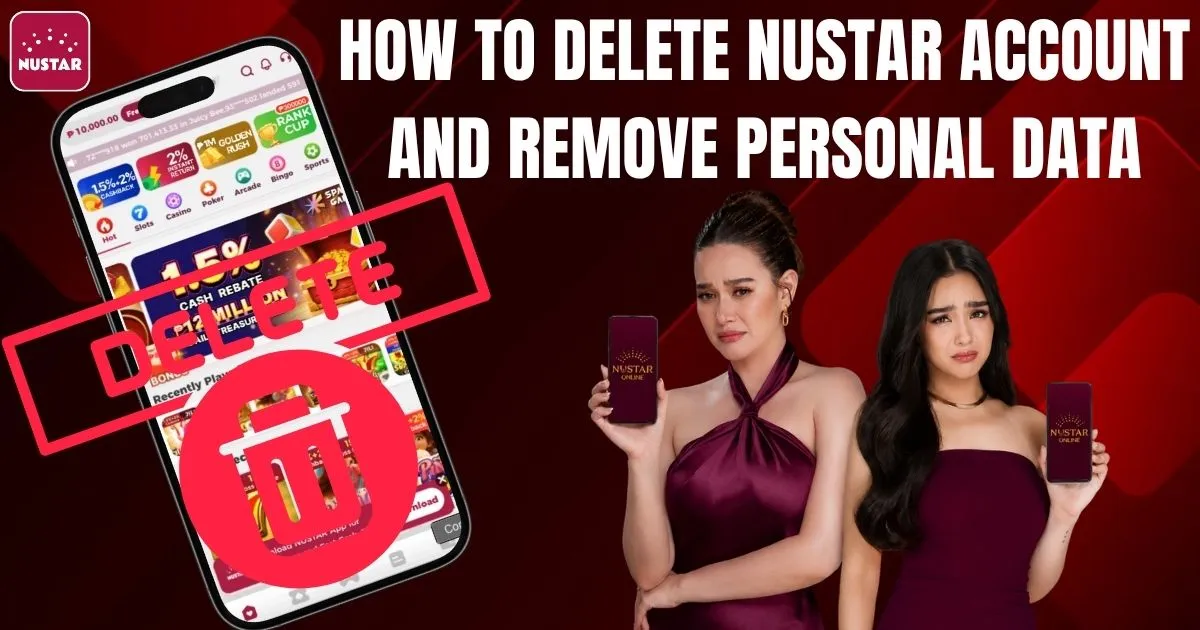
Managing online accounts is an important part of protecting your privacy and maintaining control over your digital footprint. Many users eventually decide to stop using gaming or betting platforms due to personal reasons, security concerns, financial management, or responsible gaming goals.
If you are one of them, understanding how to delete a Nustar account properly is essential to ensure that your personal information is protected and your account is closed securely.
This guide explains everything you need to know about deleting your Nustar account, removing personal data, and exploring responsible gaming options such as PAGCOR’s Online Self-Exclusion Program.
Why Users Want to Delete Their Nustar Account
There are several reasons why users decide to close their accounts:
- Concerns about privacy and personal data security
- Reducing time spent on gaming or betting platforms
- Financial management and budgeting goals
- No longer using the platform
- Avoiding promotional emails and notifications
- Responsible gaming or gambling-related concerns
Regardless of the reason, many users seek a permanent way to close their accounts and remove stored information.
Things to Do Before Deleting Your Nustar Account
Before proceeding with account deletion, make sure to complete the following steps.
Check Your Account Balance
Review your account to ensure there are no remaining funds.
Verify:
- Wallet balance
- Pending withdrawals
- Bonus credits or rewards
- Active promotions
Withdraw All Available Funds
This is one of the most important steps before requesting account deletion.
Make sure to:
- Withdraw your remaining balance
- Cancel pending transactions
- Redeem eligible rewards
- Save withdrawal confirmations
Save Important Records
Once your account is deleted, access to certain information may no longer be available.
Consider downloading or saving:
- Transaction history
- Deposit and withdrawal records
- Verification documents
- Customer support conversations
What Happens After You Delete Your Nustar Account?
Loss of Account Access
After deletion:
- You will no longer be able to log in.
- Your profile and settings will be inaccessible.
- Saved preferences may be removed.
- Activity history may no longer be available.
Personal Data Removal
One of the main reasons users search for account deletion methods is to protect their privacy.
Depending on Nustar’s policies and applicable regulations, the following information may be deleted or anonymized:
- Email address
- Phone number
- Profile information
- Payment details
However, some records may be retained for legal, regulatory, security, or anti-fraud compliance purposes.
Account Recovery Limitations
In most situations, deleted accounts cannot be restored. If you decide to return later, you may need to create a new account and complete the registration process again.
Step-by-Step Guide on How to Delete a Nustar Account
Step 1: Log In to Your Account
Access your Nustar account using your registered email address or mobile number.
Step 2: Navigate to Account Settings
After logging in:
- Open your dashboard.
- Go to Account Settings or Profile Settings.
- Look for Privacy, Security, or Account Management options.
Step 3: Check for an Account Closure Option
If available, select any of the following:
- Delete Account
- Close Account
- Deactivate Account
- Request Account Deletion
Not all platforms provide a direct deletion button.
Step 4: Contact Customer Support
If no deletion option is available, contact Nustar customer support directly.
Request:
- Permanent account deletion
- Removal of personal information
- Confirmation once the account has been closed
Step 5: Verify Your Identity
For security reasons, you may be asked to verify your identity through:
- Email verification
- SMS confirmation
- Security questions
- Identity verification documents
This prevents unauthorized account deletion requests.
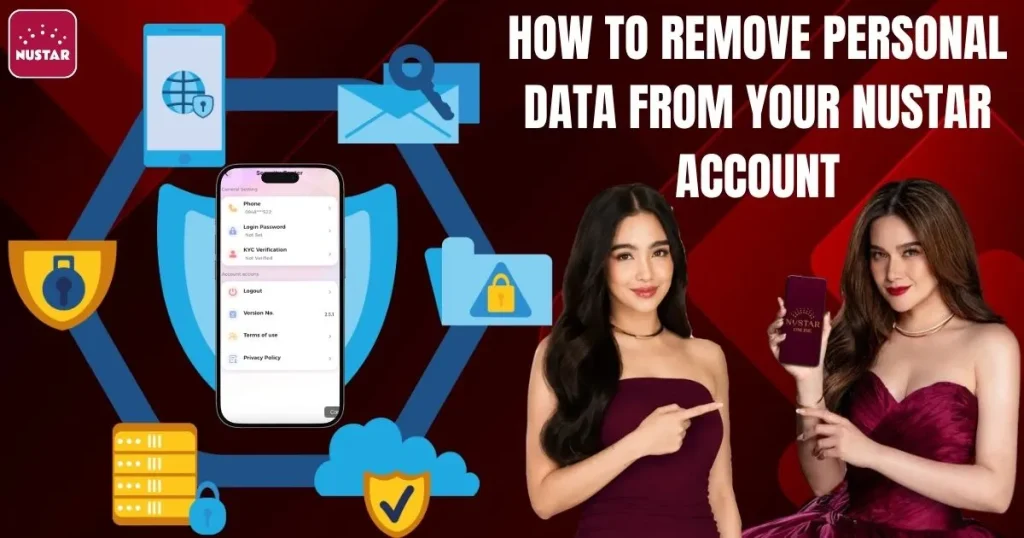
How to Remove Personal Data From Your Nustar Account
Remove Payment Methods
Before closing your account, remove any linked financial information, including:
- Credit cards
- Debit cards
- Bank accounts
- E-wallet connections
Remove Contact Information
If possible, update or remove:
- Email addresses
- Mobile numbers
- Connected accounts
Request Complete Data Deletion
When speaking with customer support, clearly request the deletion of personal information where permitted by law.
You may request removal of:
- Profile information
- Uploaded documents
- Stored contact information
- Activity history (if applicable)
Responsible Gaming Option: PAGCOR Self-Exclusion Program
If your reason for deleting your Nustar account is related to gambling control or responsible gaming, PAGCOR offers an Online Self-Exclusion Program that can help restrict access to PAGCOR-regulated gaming platforms.
Online Self-Exclusion Application: https://osea.pagcor.ph/Client/SelfExclusionForm
Through this program, players may voluntarily request exclusion from PAGCOR-operated and regulated gaming establishments and online gaming platforms. Available exclusion periods include 6 months, 1 year, and 5 years. The initial six-month exclusion period cannot be revoked.
Requirements generally include:
- Completed Self-Exclusion Application Form
- Valid government-issued ID
- Recent 2×2 photograph
- Identity verification requirements as requested by PAGCOR
The self-exclusion program is designed to support responsible gaming and may be a useful option for individuals seeking additional safeguards.
Contacting Customer Support
Live Chat Support
If available, live chat is often the fastest method for submitting an account deletion request.
Be sure to specify that you want:
- Permanent account closure
- Personal data removal
- Written confirmation of completion
Email Support
If live chat is unavailable, send a formal email that includes:
- Registered account details
- Account deletion request
- Data removal request
- Verification information if required
Common Issues When Deleting a Nustar Account
Pending Transactions
Deletion requests may be delayed if your account has:
- Pending withdrawals
- Unsettled balances
- Ongoing verification reviews
No Direct Delete Option
Some gaming platforms require users to contact support instead of offering a self-service deletion option.
Processing Delays
Data removal requests may take additional time due to:
- Regulatory requirements
- Security reviews
- Internal processing procedures
Privacy and Security Tips Before Deletion
Change Your Password
Changing your password before submitting a deletion request can help secure your account during the closure process.
Log Out of All Devices
Remember to log out from:
- Mobile devices
- Desktop browsers
- Shared computers
Disable Marketing Communications
Unsubscribe from:
- Promotional emails
- SMS notifications
- Marketing alerts
Alternatives to Permanent Account Deletion
Temporary Account Deactivation
Some users may prefer to temporarily deactivate their account instead of permanently deleting it.
Notification Management
If your main concern is excessive messaging, you can often opt out of marketing communications without closing your account.
Final Thoughts
Learning how to delete a Nustar account is an important step for users who want greater control over their personal information, gaming activity, and online privacy.
The process generally includes:
- Checking account balances
- Withdrawing remaining funds
- Saving important records
- Contacting customer support
- Requesting personal data removal
- Verifying your identity
For users who are looking to stop gambling activities altogether, PAGCOR’s Online Self-Exclusion Program can serve as an additional responsible gaming measure alongside account deletion.
Following these steps can help ensure a secure account closure process while protecting your personal information.
Frequently Asked Questions (FAQs)
Can I recover my deleted Nustar account?
In most cases, permanently deleted accounts cannot be recovered.
How long does account deletion take?
Processing times vary depending on verification requirements and customer support response times.
Will all my personal data be removed?
Some information may be retained if required by law, regulatory obligations, fraud prevention, or security purposes.
Can I create a new Nustar account later?
Yes. However, you may need to complete the registration and verification process again.
What is PAGCOR’s Online Self-Exclusion Program?
It is a responsible gaming initiative that allows players to voluntarily exclude themselves from PAGCOR-regulated gaming establishments and online gaming platforms for a specified period. Applications can be submitted through the PAGCOR Online Self-Exclusion portal.